Your evening internet is not what it was at noon. Pages load slowly, video pauses every few seconds, and even simple tasks lag. The pattern holds most weeknights between seven and eleven. The cause is usually network congestion – everyone in your neighborhood is online at once, streaming shows and updating devices. Your share of the available bandwidth shrinks when demand rises. Add in interference from nearby routers and several active devices in your own home, and you have the full picture.
The fix is not always simple, but it is usually manageable. A few changes to your router settings, your device habits, or your hardware can make a clear difference. This article walks through why the slowdown happens and what actually helps.
In this post
Network Congestion During Peak Hours
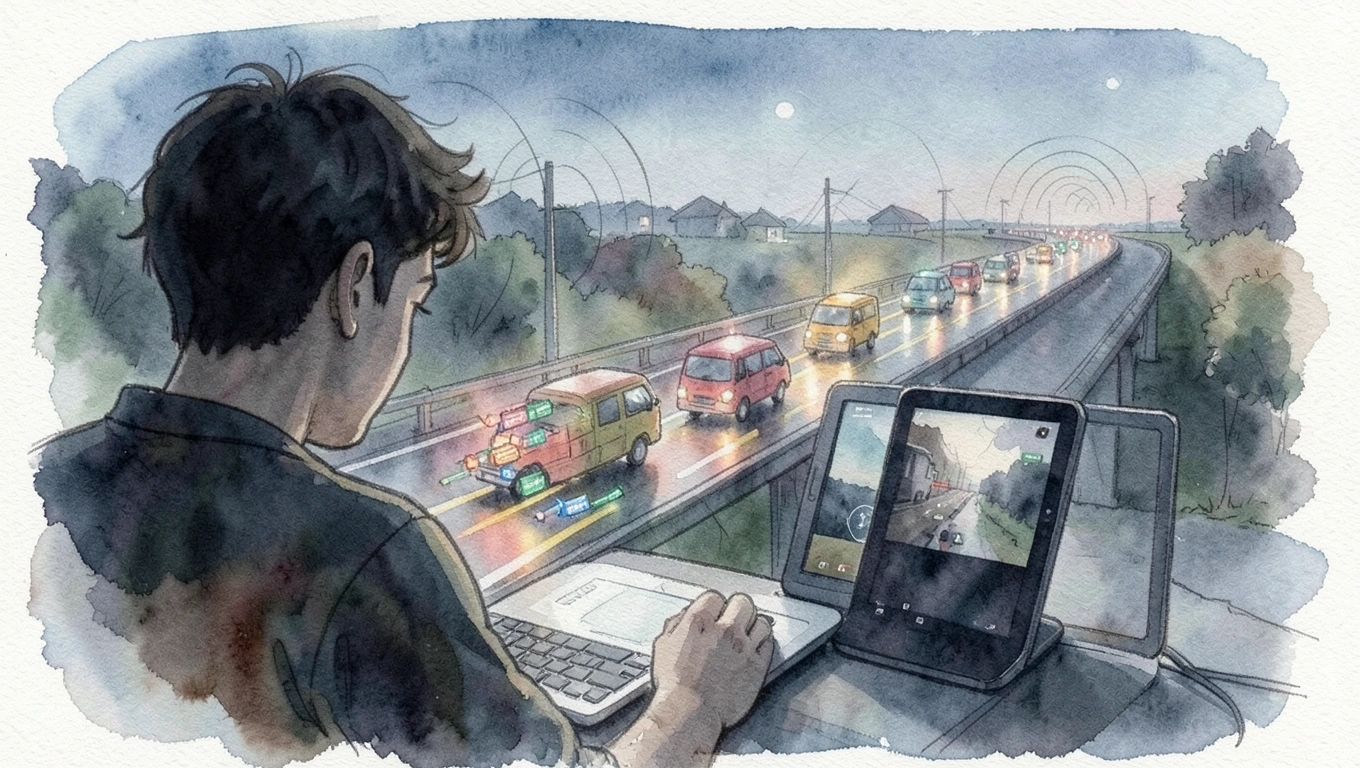
Your internet connection runs through shared infrastructure. When you connect to your provider, you are part of a network that serves your street, your block, or your apartment building. During the day, usage is spread out. Some people work from home, some are at school, some are out. By evening, most are back and online. The internet rush hour typically runs from 7 p.m. to 11 p.m. on weekdays, and that is when your connection feels the strain.

Your provider allocates bandwidth across all users on the same local network segment. When twenty households are streaming high-definition video at once, the total capacity is divided among them. Your individual speed drops even if your plan has not changed. This is not throttling by the provider in most cases – it is simple arithmetic. More users, same pipe, less per person.
The effect is worse in dense areas. Apartment buildings, suburban blocks with close-set houses, and college dorms all show the pattern. If you live in a detached house with few neighbors, you will notice it less. If you are in a large building with thin walls and shared infrastructure, the evening slowdown can be severe.
Check your speed at different times. Run a test at three in the afternoon, then again at eight in the evening. If the evening number is noticeably lower, network congestion is the likely cause. This matters most if you stream video, game online, or make video calls at night.
Too Many Devices in Your Own Home
Peak hours also mean peak usage inside your house. During the day, one or two devices might be active. By evening, the television is streaming, two phones are browsing, a laptop is downloading updates, and a game console is online. Each device consumes bandwidth, and some activities use far more than others.
Streaming video in high definition uses steady bandwidth over long periods. A single 4K stream can consume a substantial share of a typical home connection. Add a second stream in another room and you have used most of it. Gaming does not use as much raw bandwidth, but it needs low latency – any delay shows up as lag. Background updates and cloud syncs happen automatically at night, often without your knowledge, and they can saturate the connection while they run.
Smart home devices add to the load. Speakers, cameras, thermostats, and lights all talk to the internet. Individually they use little, but twenty devices checking in constantly can add up. Most run on the 2.4 GHz band, which crowds that frequency further.
Look at your router’s device list if it has one. Count how many things are connected during the evening. Then check what each is doing. The FCC’s home network guidance suggests scheduling large downloads for late night or early morning to avoid peak congestion. That alone can free up bandwidth when you need it most. Households with heavy evening usage and multiple people streaming or gaming will see the biggest improvement from managing device activity.
Interference from Neighboring Networks
Wi-Fi uses radio frequencies, and those frequencies are shared. The 2.4 GHz band has only three non-overlapping channels – 1, 6, and 11. If your router and your neighbor’s router both use channel 6, they interfere with each other. The evening brings more routers online, more devices transmitting, and more interference overall.
The 2.4 GHz band is also used by cordless phones, microwaves, baby monitors, and older Bluetooth devices. When your neighbor heats dinner or makes a call, it can disrupt your Wi-Fi. The 5 GHz band has more channels and less interference, but it does not reach as far and struggles with walls and floors. The newer 6 GHz band, available on Wi-Fi 6E hardware, offers even more channels and very little interference since few devices use it yet.
Download a Wi-Fi analyzer app on your phone. It shows nearby networks and which channels they use. If your router is on a crowded channel, change it. Most routers let you pick the channel manually in the settings. Choose the one with the least traffic. If the analyzer shows heavy congestion on 2.4 GHz and you have a dual-band router, move your phone, laptop, and TV to the 5 GHz network. Leave smart home devices on 2.4 GHz since they do not need high speed.
Interference is worst in apartments and townhouses where multiple routers are close together. Single-family homes with space between them see less of it. If the analyzer shows ten networks overlapping on the same channel, interference is a major factor.
Outdated Hardware and Firmware
Routers age poorly. A device from five or six years ago may not support current Wi-Fi standards, may lack the processing power to handle many simultaneous connections, and may have outdated firmware. Older modems can also be a bottleneck if they do not support the speeds your plan provides.
Wi-Fi 5 routers are common but aging. Wi-Fi 6 routers handle multiple devices more efficiently through better traffic management. Wi-Fi 7 is the newest standard as of 2026, offering even higher speeds and lower latency, though it is still expensive and few devices support it yet. If your router is more than four years old, upgrading may help. Check your modem as well – if it is provided by your ISP and it is several years old, ask if a newer model is available.
Firmware updates fix bugs and improve performance, but most people never install them. Log into your router’s admin page – the address is usually printed on the device or in the manual. Look for a firmware update option. If an update is available, install it. Some newer routers update automatically, but many do not.
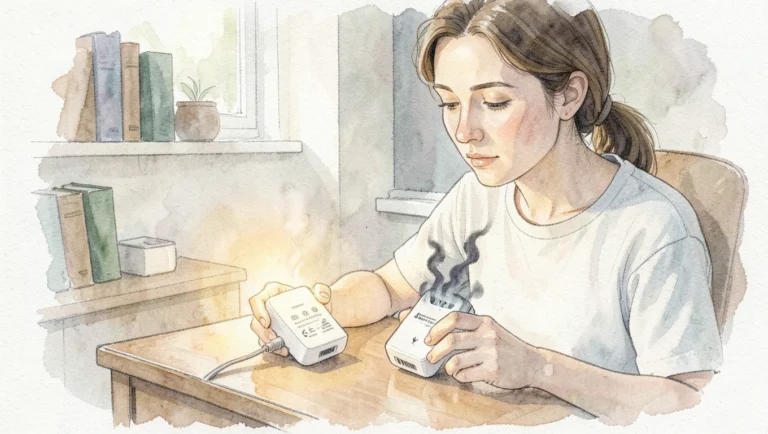
Restarting the router and modem weekly clears out minor glitches. Unplug both, wait thirty seconds, plug the modem in first, wait for it to fully start, then plug in the router. This takes three minutes and often speeds things up temporarily. If you have to do it daily, the hardware may be failing.
Moving the router to a better location helps more than most people expect. Place it centrally, elevated, and away from walls, metal objects, and other electronics. A router in a basement or closet will always struggle. If you live in a large house or one with thick walls, consider a mesh system that uses multiple units to cover the space. Outdated or poorly placed hardware affects every household, but it matters most if you have many devices or a large home.
Summary
Wi-Fi slows at night because more people are online, both in your area and in your home. The connection you share with neighbors gets crowded, and the devices in your house compete for bandwidth. Interference from nearby routers and other electronics makes it worse, especially on the 2.4 GHz band. Old hardware and firmware add another layer of drag.
The solutions are straightforward. Move your router to a better spot, switch devices to the 5 GHz band, reduce the number of active connections during peak hours, and update or replace aging hardware. Use wired Ethernet for anything that needs a stable connection. Schedule big downloads for off-hours. These changes will not eliminate congestion if your plan is simply too slow for your usage, but they will make the most of what you have.
Check your speed at different times to confirm the problem. If the evening drop is severe and consistent, start with the easy fixes – router placement, channel selection, and firmware updates. If those do not help enough, the issue may be your plan or your hardware. Neither is a quick fix, but both have clear solutions.
FAQs
Why is my Wi-Fi slower at night than during the day?
Network congestion is the most common cause. Many people in your area are online simultaneously during evening hours, typically between 7 p.m. and 11 p.m., which divides the available bandwidth among more users. Your own household is also using more devices at night, further straining the connection.
Does switching to 5 GHz Wi-Fi help with nighttime slowdowns?
Yes, it usually helps. The 5 GHz band has more non-overlapping channels and less interference than the 2.4 GHz band. Move your phone, laptop, and TV to 5 GHz if your router supports it. Keep smart home devices on 2.4 GHz since they need range more than speed.
Will restarting my router fix slow evening Wi-Fi?
Restarting can clear minor glitches and may improve speed temporarily, but it will not fix underlying congestion or interference. If you have to restart daily, the router may be failing or simply overloaded. Weekly restarts are good maintenance, but they are not a permanent solution to peak-hour slowdowns.
Should I upgrade my router if my Wi-Fi is slow at night?
Check your current router’s age and capabilities first. If it is more than four years old or does not support Wi-Fi 6, an upgrade may help. Newer routers handle multiple devices more efficiently. Also check router placement and channel settings before spending money on new hardware.
Can my internet plan cause nighttime slowdowns?
Yes. If your plan does not provide enough bandwidth for your household’s evening usage – multiple streams, gaming, and video calls – you will see slowdowns during peak hours. Network congestion makes this worse. Consider upgrading your plan if you consistently max out your bandwidth, but try other fixes first since they cost nothing.